The RØDECaster app, for Windows and macOS.
RØDECaster App is the companion software for the RØDECaster Pro II, RØDECaster Duo, RØDECaster Video and Streamer X. Firmware updates, fader and channel setup, SMART pads, recording export and full remote control — from your computer.
Download RØDECaster App 2.0.114.
Installers for Windows 10, Windows 11 and macOS 11 or later — served from this site, no redirect anywhere else. The other RØDE apps are here too: RØDE Central, the original RØDECaster Pro Companion App, UNIFY and RØDE Connect.
Three RØDE apps, one job each.
RØDE splits its software by product generation. Picking the right one is the whole trick — the wrong app simply never sees your device.
RØDECaster App
For the RØDECaster Pro II, Duo, Video, Video S and Streamer X. This is the one this site is about.
RØDE Central
For the wireless, on-camera and USB microphones — Wireless GO II, Wireless PRO, NT-USB+, PodMic USB and the rest. Desktop and mobile.
RØDECaster Pro Companion App
Only for the original 2018 RØDECaster Pro. The newer RØDECaster App does not support it. Still hosted here.
What the RØDECaster App actually controls.
Everything the console exposes over USB, and on the RØDECaster Video, over the network as well.
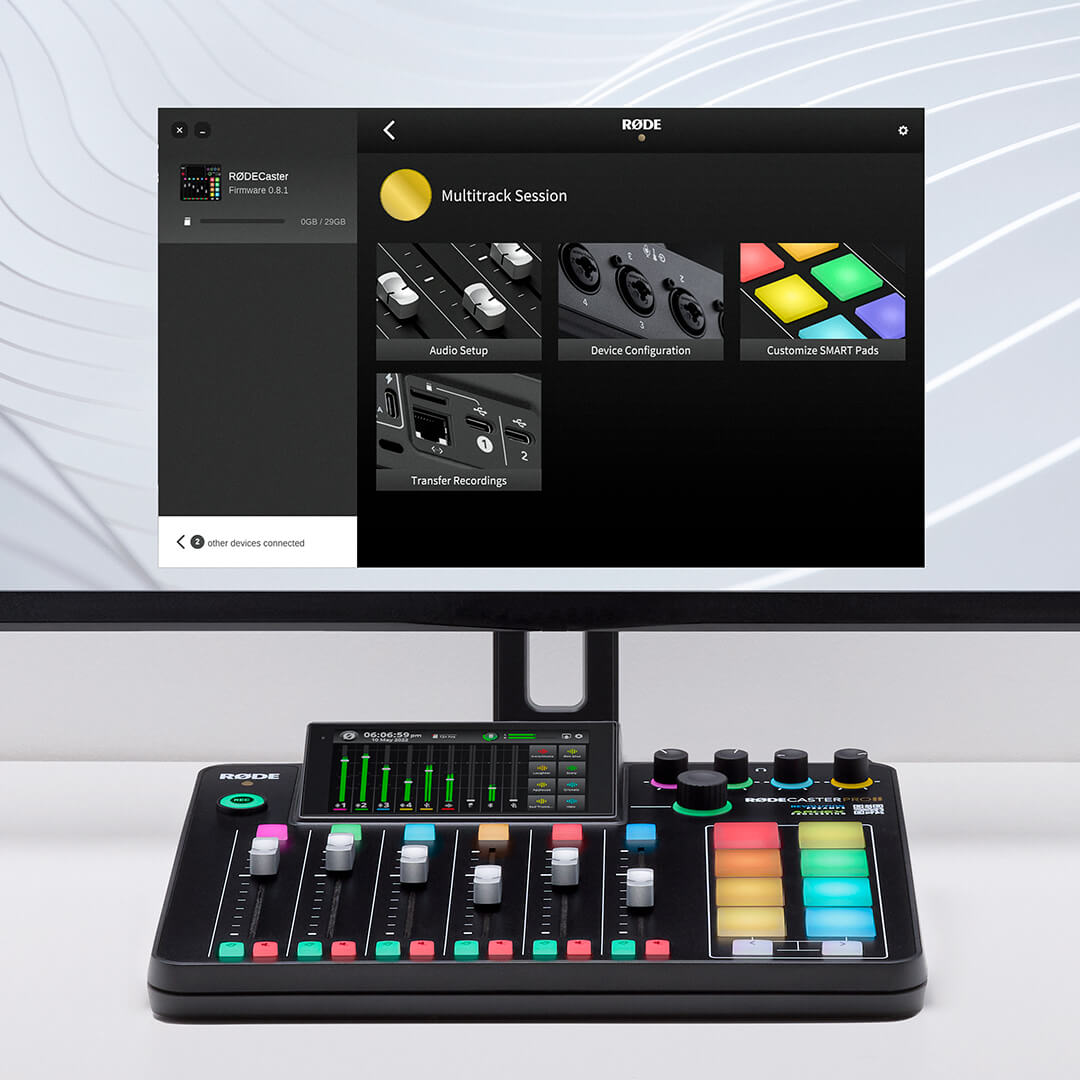
Audio Setup
Drag any of the nine channels onto a physical or virtual fader, recolour channels, stereo-link pairs, or clear the lot. See the features page.
Device Configuration
Outputs (headphone type, monitor output, multitrack), Display (brightness, metering) and System (MIDI, language, date and time, network).
SMART pads
Load and export sounds straight from your computer, change playback modes and rename pads. The SMART pads guide.
Transfer Recordings
Pull recordings off the microSD card, trim them, and export with presets tuned for the big podcast platforms. How it works.
Firmware
Connect the console and the app prompts you when new firmware exists. Or let the device update itself over Wi-Fi or Ethernet. Firmware guide.
Scene Builder
On the RØDECaster Video: build scenes, assign media and overlays, and remote-control the switcher live over the network. Scene Builder guide.
The console, on real desks.
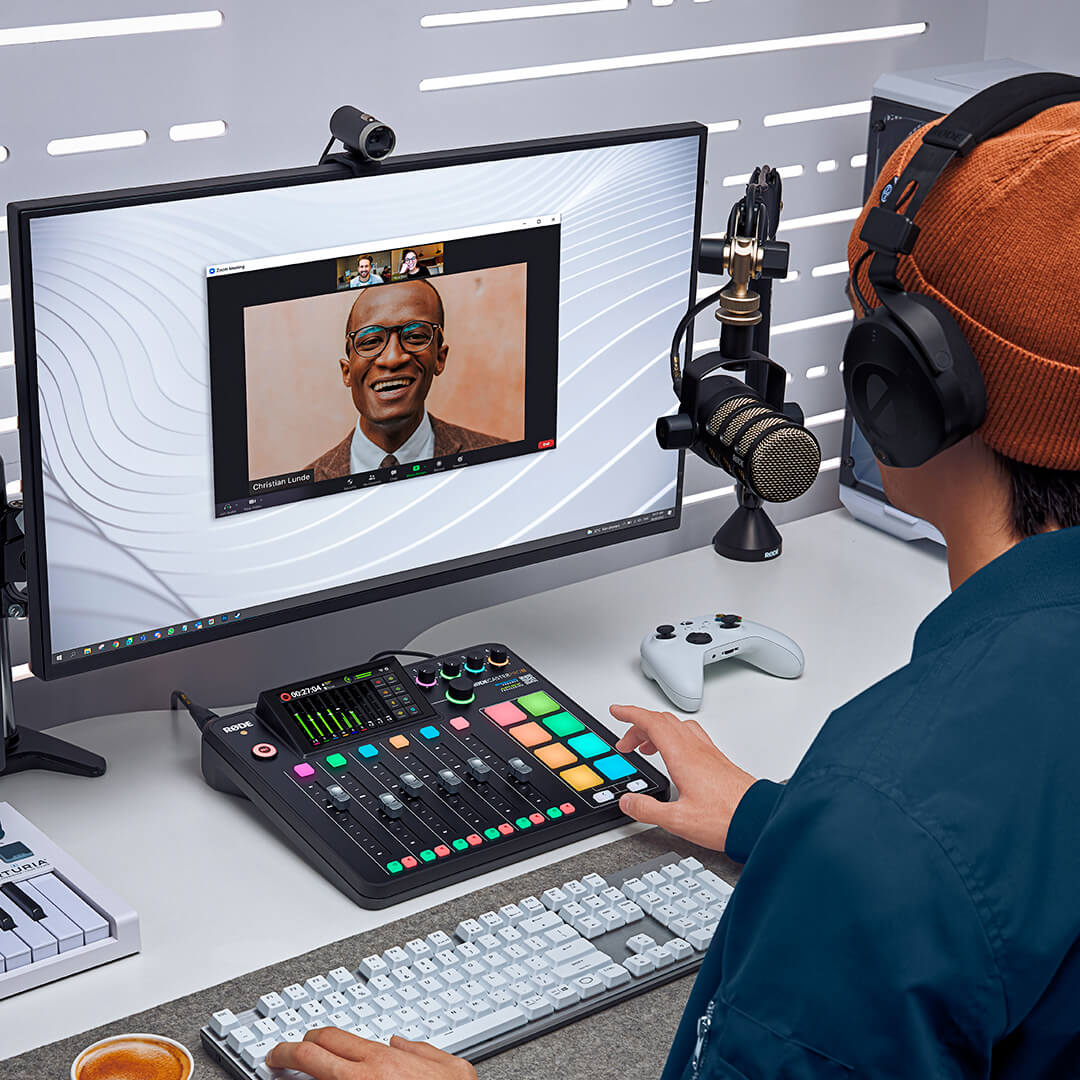
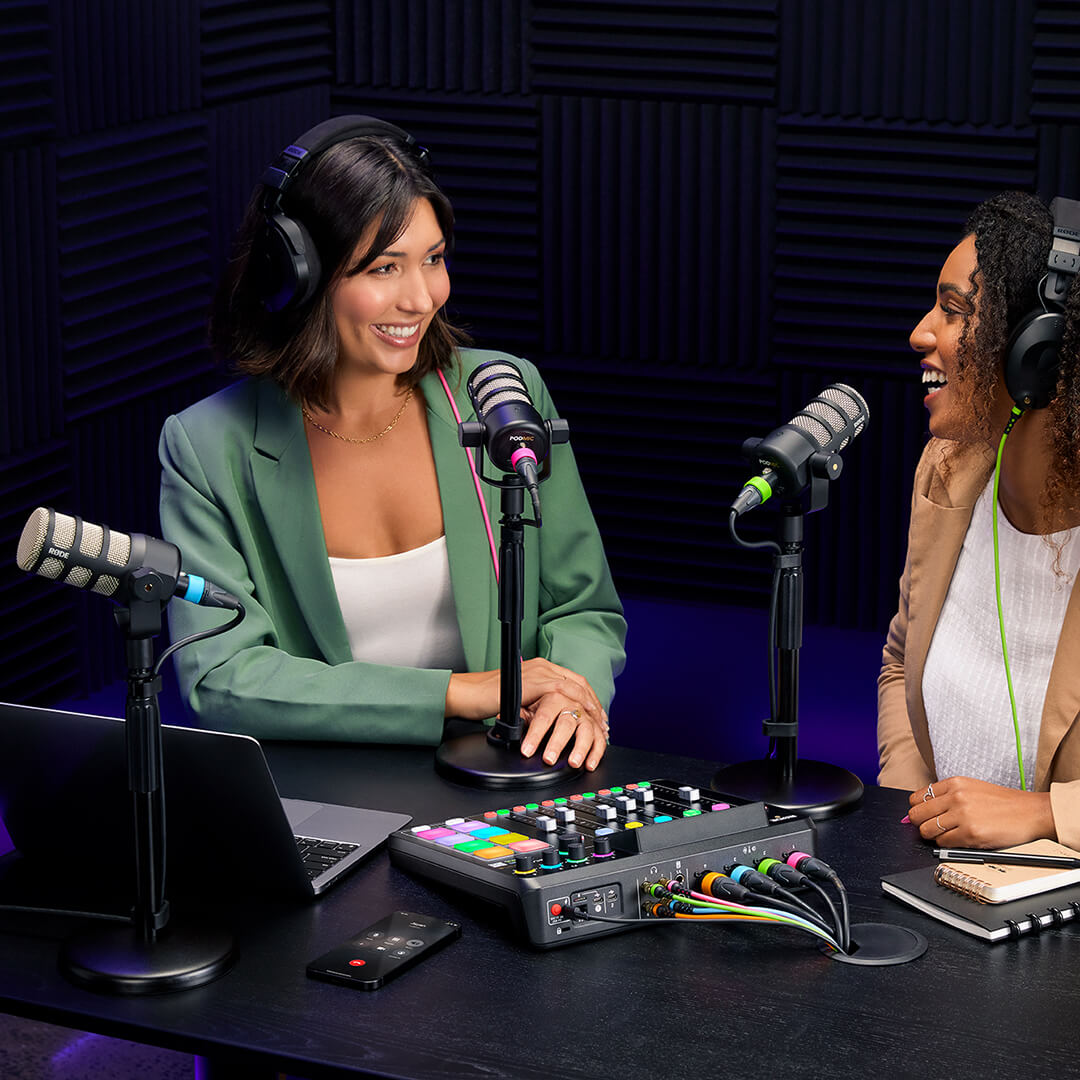
The app on the screen, the hardware under your hands. Three ways people actually run a RØDECaster Pro II.
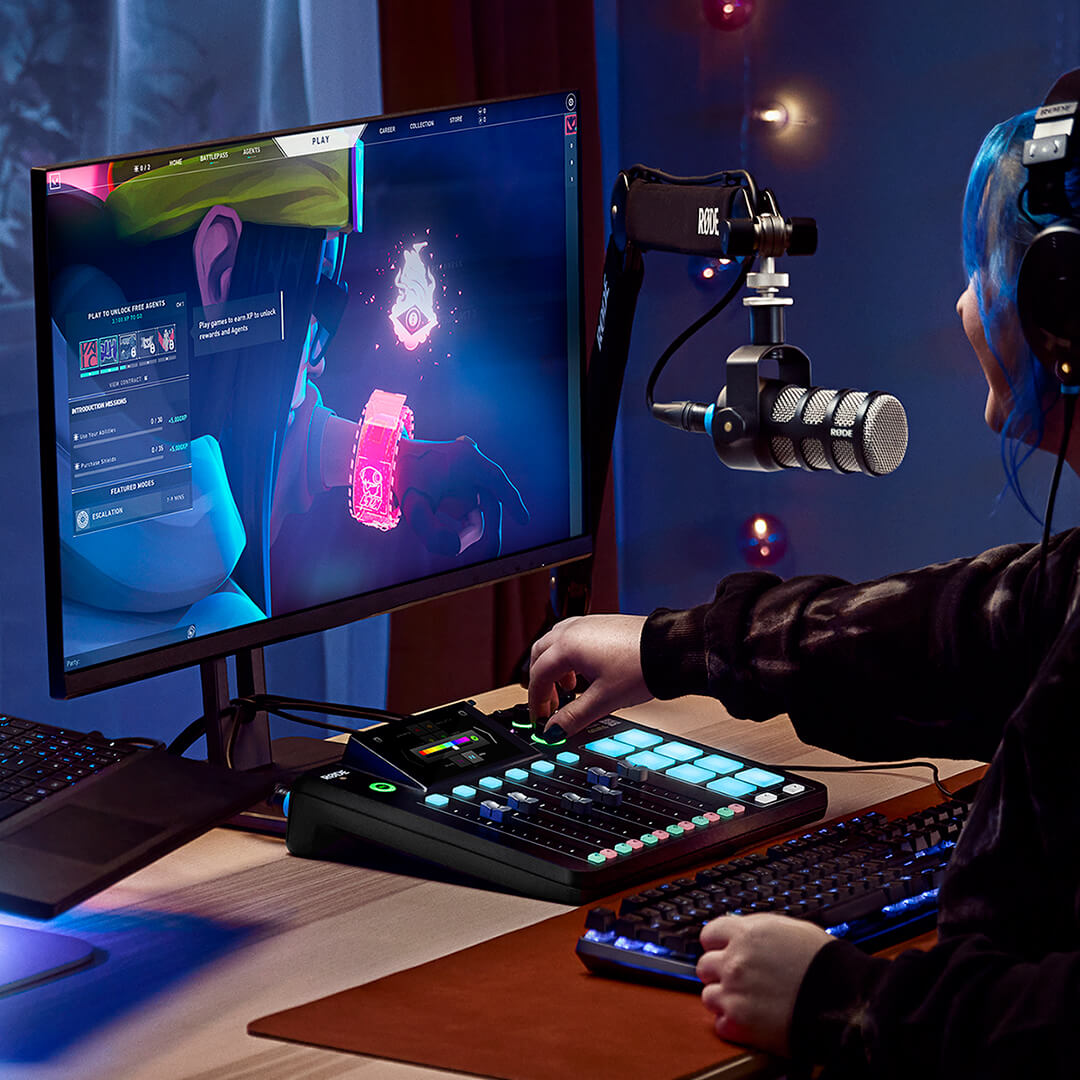
No licence, no account. RØDE publishes it free for every RØDECaster owner.
Windows 10 (version 1803) and later, and macOS 11 and later. Apple Silicon and Intel.
RØDECaster Pro II, Duo, Video, Video S and Streamer X.
Whichever console you have, start with its page.
Each device page covers what the app does for that unit, the current firmware, and how to update it.
RØDECaster Pro II
Nine channels, six faders, eight SMART pads. Firmware 1.7.6 and what the app controls.
RØDECaster Duo
The compact version: seven channels, four faders, six pads, iOS-ready USB. Same app, same firmware line.
RØDECaster Video
Scene Builder, remote control over Wi-Fi, 4K capture in firmware 1.4.03. Includes the Video S and Video CORE.
Streamer X
The streaming interface with HDMI capture. RØDECaster App for setup and firmware, UNIFY for mixing.
RØDECaster Pro (original)
The 2018 console uses its own Companion App (2.1.3 Mac / 2.1.2 Windows) and firmware 2.1.2.
RØDE Central
The app for RØDE’s microphones. Desktop 2.0.111, mobile 2.1.0, downloads and device list.
Common questions about RØDECaster software.
Is the RØDECaster App free?
Yes. RØDE publishes it free of charge for Windows and macOS.
Is this the same thing as RØDE Central?
Not any more. In May 2025 RØDE split the RØDECaster side out of RØDE Central into its own app. Central now covers the microphones only.
Does it work with the original RØDECaster Pro?
No. The original unit uses the separate RØDECaster Pro Companion App, which is also hosted here.
Plug it in. Update it. Done.
The RØDECaster App for Windows and macOS, served from this site. Pick your platform and you are two minutes from a configured console.